Iron Messenger

In Iron Messenger, you can bring a friend into a group by typing @ and their name in the chat. If you may add people and their privacy settings let you, they join on the spot and get your message as a normal mention. If not, they get an invite with your message in it, and they choose: Join or No thanks.
How do I invite a friend to a group by mentioning them?
Open the group and type @ and the first letters of your friend's username. The list above the keyboard shows the members who match first. From the second letter on, it also shows people who are not in the group yet, with "not in here yet" under their name. Tap your friend, write the rest of the message and send it.
That is the whole flow. There is no separate "invite" screen to find and no link to copy into another app. The message you were going to write anyway ("@dasha you have to see this") is the invite. It also works in a channel, for the people who may post there.
Pick the person from the list. The list is how the app knows which Dasha you mean, so a handle typed in full without picking it does nothing for somebody who is not in the group. Mentions of people who are already members work as before: they get a mention notification instead of the normal one. More on mentions, polls and the other group tools in group chats without the chaos.
When is my friend added, and when are they asked?
Iron Messenger asks two questions before it does anything, and both answers come from settings that already exist.
- May you add people to this group? That is the group's "Add people" right. The owner has it, admins usually have it, and the owner can give it to every member or to nobody.
- Does your friend let you add them? That is their own setting, Who can add me to group chats: Anyone, My contacts only, or Nobody.
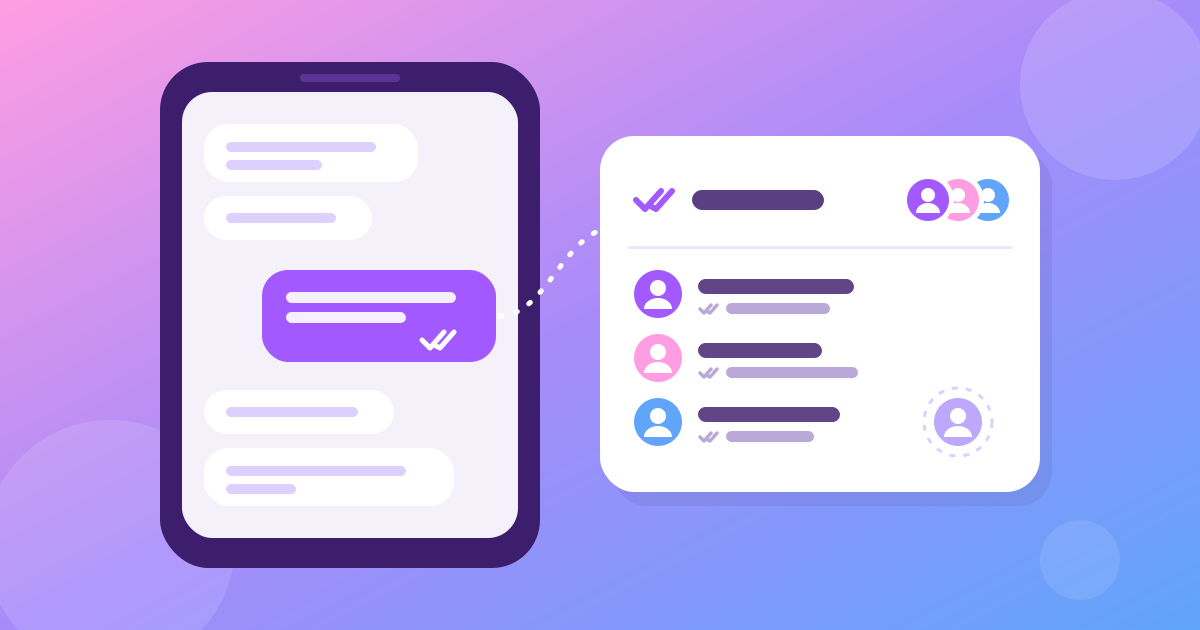
If both answers are yes and the group has room, your friend is added before your message is stored. The chat shows "Dasha joined" and then your message, and Dasha gets it as an ordinary mention, the same notification any member gets when somebody tags them.
If either answer is no, Dasha is asked instead. She is not added to anything, nobody in the group sees her name in the member list, and she gets one notification: who invited her, to which group, and the text of your message. The same happens when the group is full. Groups and channels hold up to 500 members today (why it was 50 and what changed), and a full group still says "join us" and lets the Join button answer honestly.
Your group is one message away from bigger. Tag a friend and the invite goes with the hello.
What does the person I invited see?
The notification opens the Requests screen, the same screen where messages from strangers wait. The chat list shows a Requests card while anything is waiting there. At the top, under "Calling you in 📣", each invite is a card with the group's name and picture, who tagged them, and two buttons: Join and No thanks.
- Join opens the group, when the person who tagged them may add people. Nobody else has to approve anything.
- Join in a private group sends a join request when the person who tagged them may not add people. The card says "Knocked ✊", and the group's admins decide. A public group lets them in, as it lets in anybody who opens its link.
- No thanks closes the card. The person who tagged them is not told.
The invite card of a private group shows its name and picture, never its last message. An invite is a door, not a window: until your friend joins, the only words from that group they can read are the ones you sent them in the notification.
Can anybody pull me into a group by tagging me?
No. A mention reaches you only as far as your own settings let it, and there are four ways to keep it out:
- Who can @tag me. Set it to Nobody and a mention from outside does nothing at all: you are not added, not invited and not notified. Set it to My contacts only and only your contacts can reach you this way.
- Who can add me to group chats. Set it to Nobody and you are never added by a mention. You can still be asked, and you decide.
- Block. A block in either direction stops it. A person you blocked cannot add you or invite you, and you cannot pull them in either.
- No thanks. Once you decline, that group stops asking. Nobody in it can invite you again, and nobody there can add you by tagging you, even an admin. If the group is public, you can still join it yourself later through its link.
Two more rules keep the noise down. Each person gets one invite per group: a second, third or tenth mention of somebody who has not answered yet sends nothing new. And invites do not live forever. An unanswered invite is deleted after a year, and a "No thanks" is remembered for a year after you said it. Then the group may ask once more. If you delete your account, the invites to you are deleted with it.
A mention also never gets around a group's own rules. Somebody banned from the group cannot be pulled back in by a mention, and a member without the "Add people" right can only ask, never add. All of these settings live in Settings → Privacy; how privacy works in Iron Messenger explains each of them.
Decide who can pull you into a group. Anyone, your contacts, or nobody, and every invite waits for your answer.
What does it not do yet?
- It needs the update after version 3.9.0, of the full app or of Lite. Older versions offer only members in the @ list, so they cannot tag somebody outside the group.
- Only a new message invites. Editing a message to add a name, a message scheduled for later and a forwarded message do not add or invite anybody.
- The notification text is in English on every phone for now, like the other notifications that the server writes. The Requests screen is in your language.
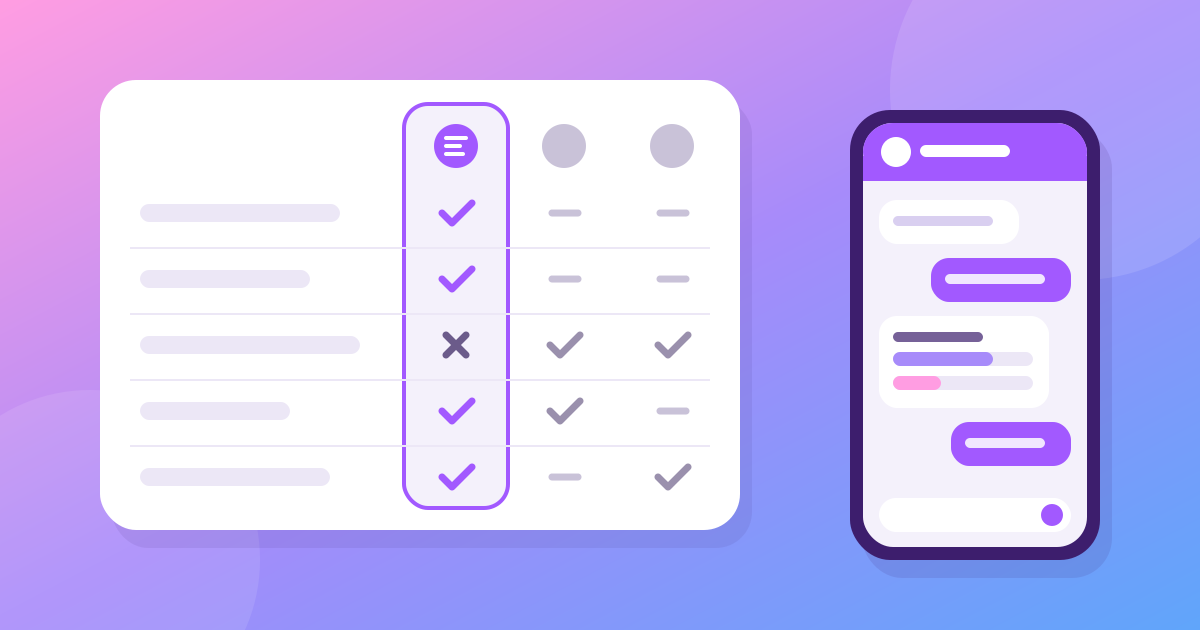
At the time of writing (October 2026), WhatsApp lets you mention only people who are already in the group, and in Telegram an @username of somebody outside the group is a link to their profile that neither adds nor notifies them. Neither turns a tag into an invite. Our comparison with Telegram and WhatsApp covers the other differences, and how to start a channel covers the link that brings people into a public room.
Questions people ask
How do I invite someone to an Iron Messenger group by mentioning them?
In an Iron Messenger group, type @ and the first letters of their username, pick them where it says "not in here yet" and send. That one message adds them or invites them.
When does a mention add someone to the group, and when does it only invite them?
Iron Messenger adds them at once when you have the group's "Add people" right and their "Who can add me to group chats" setting allows you. Otherwise it sends them an invite to accept or decline.
Can I stop people from pulling me into groups by tagging me?
Yes. In Iron Messenger, set "Who can @tag me" to Nobody and a mention from outside does nothing. Set "Who can add me to group chats" to Nobody and you are only ever invited, never added.
What happens if I decline a group invite in Iron Messenger?
Iron Messenger closes the invite without telling the person who sent it, and for a year nobody in that group can invite you again or add you by a mention.