Iron Messenger
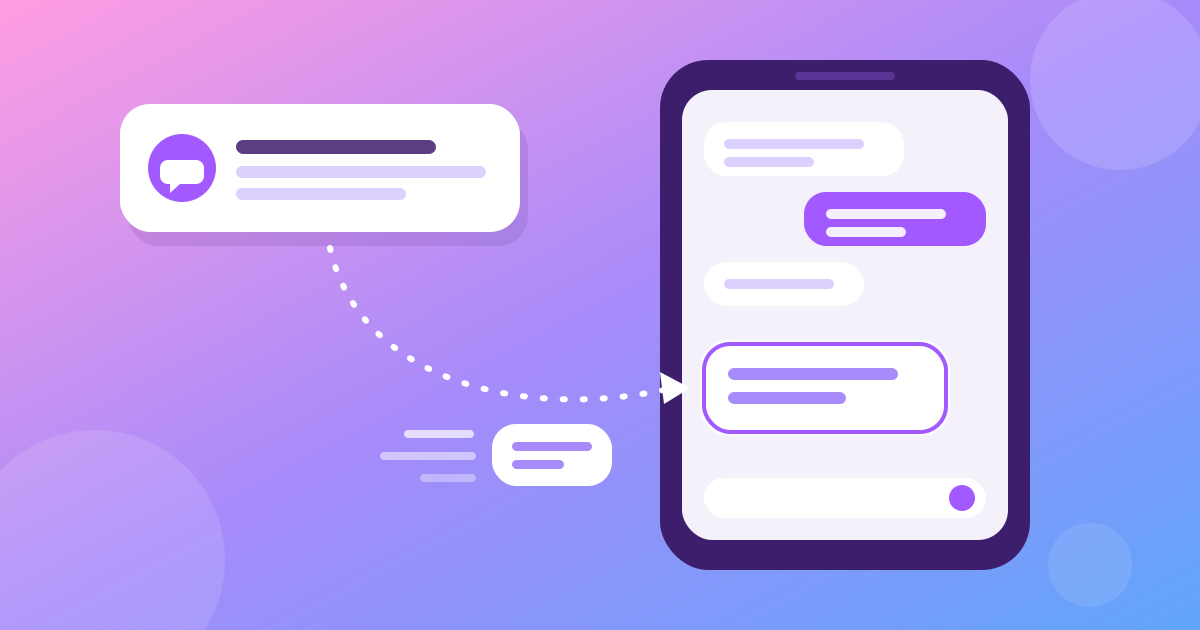
When a notification shows a new message but the chat looks empty when you open it, the message is not lost. The notification and the chat come by two different roads, and the chat's road was slower. In Iron Messenger, that gap could last about three seconds after you tapped a notification. We found the cause in our own logs and removed it: the chat you open now asks for new messages at once, and an app that comes back after a short break gets only what it missed instead of downloading everything again.
Why does the notification arrive before the message?
While Iron Messenger is open on your screen, it holds one live connection to our server. The server sends every new message down that connection the moment the message is saved, so a chat that is open updates by itself. Nothing asks "anything new?" on a timer.
When you switch to another app, Iron Messenger closes that connection. A connection that stays open in the background keeps the phone's radio awake and drains the battery, and Android limits apps that try. From then on, our server reaches you through your phone's push service: Google's Firebase Cloud Messaging on most Android phones, Huawei Push Kit on Huawei phones without Google services. The push service shows the notification even when no part of Iron Messenger is running.
So the notification is the fast road. The chat is the slow one: when you tap the notification, the app wakes up, connects again and asks what is new. Every messenger has some gap between the two. The only question is how long it is.
What did we find when it happened to us?
On 24 October one of us saw it in our own team group. A notification arrived, a tap opened the group, and the new message was not there. It appeared about three seconds later. That is not long, but it is long enough to make you think the app lost your message.
The server logs told the story to the second. The message was saved first, and the notification went out after that. When the phone came back, all its requests came within one second, and the server answered all of them in under a second. The server was not slow. The phone waited before it asked.
It waited because the open chat trusted the live connection to catch it up. The app had to wake the radio, find our server, set up an encrypted connection, prove who you are and subscribe to your events, and only then did it ask for new messages. On a phone that has just woken up, those steps took about three seconds, and the chat showed the old page the whole time. A notification for the chat that was already open when you left was the worst case: the app saw that you were already in that chat, so it did not even reload the screen.
We found a second problem on the way. Our server keeps your last events for a short time exactly so that a returning app can catch up cheaply. But the app threw away its place in that list every time it went to the background, so every return downloaded the whole chat list again.
Tap the notification, see the message. No three seconds of staring at an old chat.
What changed in Iron Messenger?
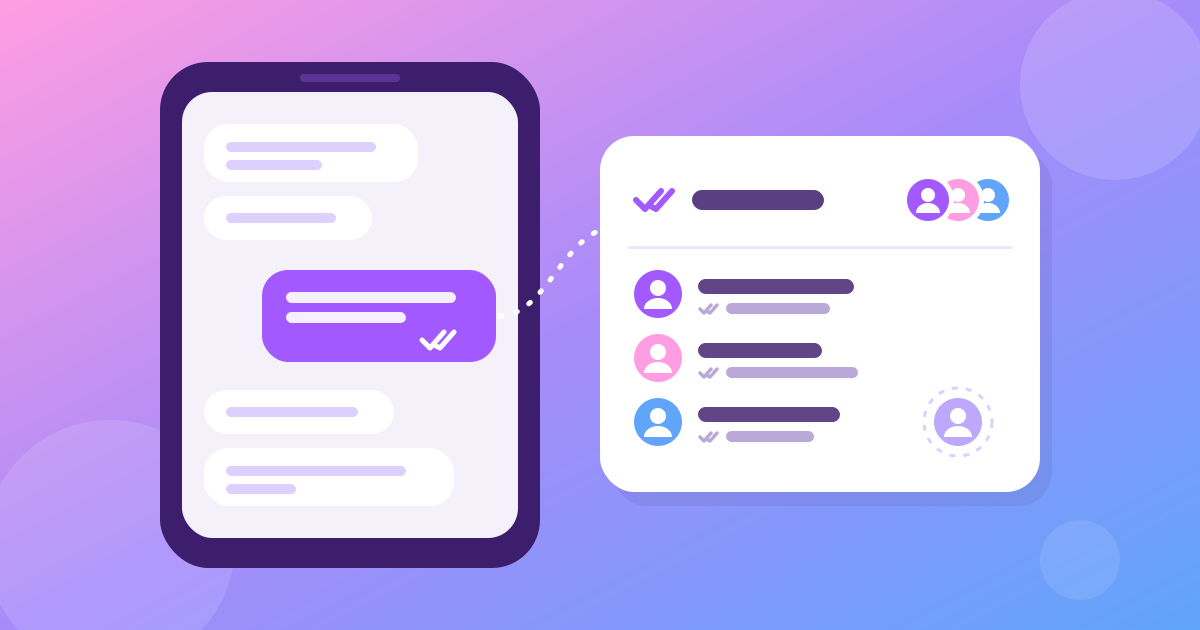
- The open chat asks for new messages the moment you come back. It no longer waits for the live connection: the two happen at the same time. After a tap on a notification, the message shows as soon as one short request answers. Opening the chat also marks it read, so the sender's ticks turn at that moment too (more about ticks in who read your message in a group).
- The app keeps its place while it is in the background. For each person, our server keeps the last 15 minutes of events, up to 50 of them, in memory only. If you come back within that window, the app says where it stopped and gets only what it missed: new messages, edits, reactions and read ticks.
- An old "typing…" never comes back. Typing signals are not kept in that history, and the app ignores an old one, so a returning app never shows somebody typing who stopped minutes ago.
- A safety net for bad networks. If the live connection is not up four seconds after you return (weak Wi-Fi, a café login page), the app reloads the screen the old way. If the missed events arrive after that, it reloads once more, so no unread count goes up twice for one message.
Does the fix cost battery or mobile data?
It costs less than before. Until now, every return to the app downloaded your chat list again, and the open chat too. The chat list is the largest thing the app loads regularly, because it has one row for every chat you have.
Now a return within 15 minutes downloads only the open chat and a short list of the events that you missed. If you come back to the chat list instead of a chat, it downloads only those events. A closed app still uses no connection of ours: the phone's push service delivers your notifications. If your phone is old or your internet is slow, see the messenger for old phones and slow internet.
A messenger that catches up on what it missed. Free, with no phone number needed.
When do I get the fix?
- Android and Windows: with the update after version 3.9.0. If your app is version 3.9.0 or older, you still have the gap. The message is not lost: wait a moment and it appears.
- The web version at m.ironmess.app: with its next publish. Reload the page after that.
- Iron Messenger Lite, the app for weak phones, has the same fix, and it ships in Lite's next build.
- iPhone: there is no iPhone app, so there is nothing to update.
The events that the server keeps for a returning app stay in its memory for 15 minutes and are not written anywhere. What Iron Messenger stores, and for how long, is in how privacy works in Iron Messenger. Which app to install on which device is in Iron Messenger on Android, Windows and the web.
Questions people ask
Why does Iron Messenger show a notification before the message is in the chat?
The notification comes through your phone's push service, and the chat loads over Iron Messenger's own connection, which reconnects when you open the app. Since the update after version 3.9.0, the open chat asks for new messages at once.
Is the message lost if Iron Messenger shows a notification but the chat is empty?
No. Iron Messenger saves a message on its server before it sends the notification, so the message is already there. The chat shows it as soon as the app has asked for it.
Does Iron Messenger keep a connection open in the background?
No. Iron Messenger closes its live connection in the background and relies on push notifications, which saves battery. Back within 15 minutes, it receives only the events it missed.
Which version of Iron Messenger has the fix?
Iron Messenger for Android and Windows has the fix from the update after version 3.9.0, and the web version from its next publish. Iron Messenger Lite gets it in its next build.