Iron Messenger
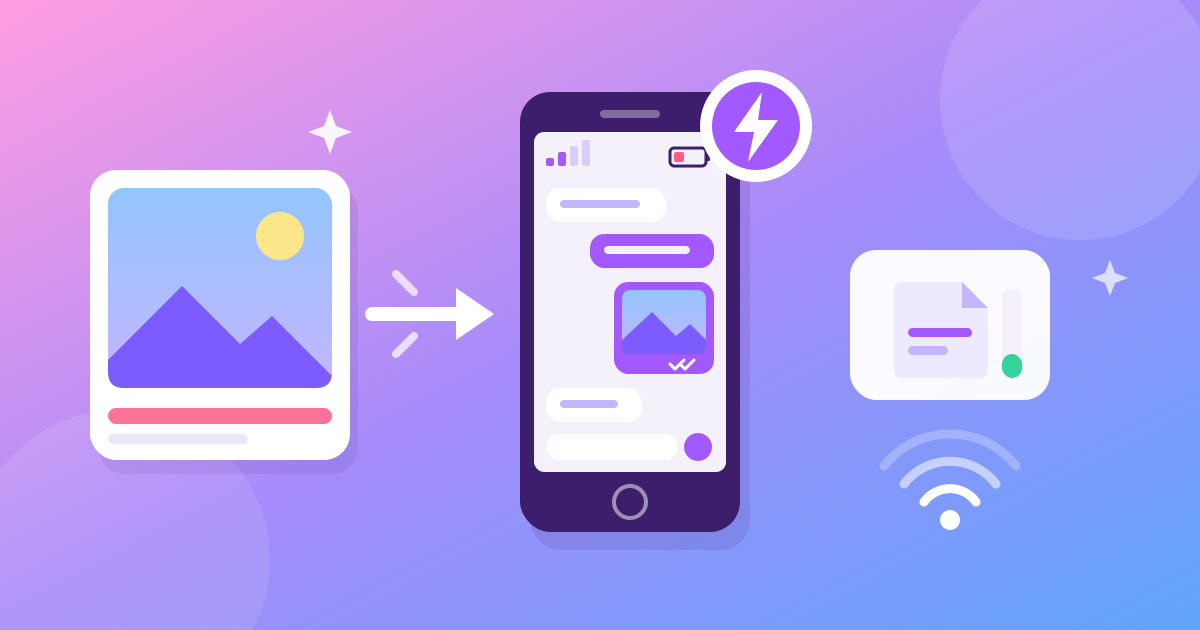
The best messenger for an old phone or slow internet is one that does its heavy work before anything touches the network, and stays small on the phone. Iron Messenger compresses every photo and video on your phone before it sends, so it goes through even on 2G. For phones the full app is too heavy for, Iron Messenger Lite is a separate app of about 3 MB with the same account and the same chats.
Why do messengers get slow on older phones?
A phone with 2 or 3 GB of RAM and an entry-level chip is not broken. It is the phone a lot of people actually own, and it handles calls, maps and a camera just fine. What it struggles with is an app that ships a whole platform: feeds, stories, mini-apps, video players warming up in the background.
Storage is the other half. On a 32 GB phone with 2 GB free, every update is a negotiation with your photo gallery. And a chat that opens in one second on a flagship and in four on a budget phone gets uninstalled on the budget phone, quietly, without anyone filing a bug report.
So we made two decisions. The main app does as little as possible: no feed, no ads, nothing running that you did not ask for. And for phones where that is still too much, there is a second app built from scratch for them.
What is Iron Messenger Lite?
Iron Messenger Lite is a lightweight Android messenger for weak phones, written in native Kotlin. It talks to the same server as the full app, so you sign in with your usual account and see your usual chats. Your friends do not need to know which one you use.
- About 3 MB. The full app is many times bigger. On a metered 3G connection that difference is real money.
- Runs on 32-bit phones. The full app is built for 64-bit phones only, so an older 32-bit phone cannot install it at all. Lite has no native libraries, so one APK runs on every type of Android chip.
- Almost the whole messenger is there: chats, groups and channels, comments, photos, one-look photos, video, GIFs, stickers, polls, articles, send-later, all 18 themes, privacy settings and push notifications.
Lite is not a different service with a different set of friends. It is a smaller door into the same Iron Messenger.
Phone from 2019? Respect. Lite was made for it. Grab it from the Lite button on our homepage.
How does Iron Messenger save data on slow internet?
The trick is to send less, not to send faster. Three things do most of the work.
Compression happens on your phone
A photo from a modern camera can be 5 MB or more. Iron Messenger recompresses it on the device before it leaves, to around 800 KB or less, which still looks sharp on a phone screen. Videos are compressed on the phone too. On a weak connection, that is the difference between "sent" and an endless progress bar.
Only what changed comes back
The chat list reads a small summary of each chat, not the messages inside them. When the app is open, it keeps one lightweight connection and hears a short note when something changes, then fetches only that. When the app is closed, nothing runs: a push notification wakes it up when there is a message for you.
You decide what autoplays
GIFs are free and fun, and also the fastest way to burn a data plan. Switch off Autoplay GIFs in the settings and they wait for a tap. The switch lives on your phone only, so you can keep autoplay on your Wi-Fi tablet.
Even the disappearing photos help. A one-look photo is deleted from our storage as soon as the last person closes it, so it never sits around waiting to be downloaded again.
Should you use Lite or the full app?
| Your situation | Pick |
|---|---|
| A phone from the last few years with Google Play | The full app from Google Play |
| A 32-bit phone, or the full app will not install | Lite |
| 2 to 3 GB of RAM and the full app feels slow | Lite |
| Almost no free storage | Lite, or the web version |
| A Huawei phone without Google services | The full app from AppGallery |
| A borrowed laptop or someone else's phone | The web version, nothing to install |
You can switch at any time. Your account lives on the server, not in the app, so moving from Lite to the full app (or back) is just signing in. The full map of versions is in Iron Messenger on Android, Windows and the web.
How do you install Iron Messenger Lite?
- Open our homepage on your phone and tap the Lite button. It downloads the APK directly.
- Open the downloaded file. Android will ask you to allow installs from your browser. Allow it for this one install.
- Sign in with your existing account, or create one with a username and an email. No phone number needed.
That is the whole process, and the APK is small enough to download in seconds on 3G.
Tips for older phones and small screens
- Turn off Autoplay GIFs on mobile data. They still play when you tap them.
- Change the text size in the full app under Settings → App design → Text size. Every piece of text in the app follows it.
- Mute the loud groups. Fewer pushes means fewer wake-ups and a battery that lasts longer.
- Prefer one-look photos for things nobody needs to keep. They free storage on our side and clutter on theirs.
Your phone is fine. Your messenger was the problem. Try one that respects 2 GB of RAM.
What does Lite leave out?
Very little, but not nothing. Lite is Android only, and it skips the parts that cost the most on a weak phone:
- Iron Lab, the sticker maker. You can still send, receive and collect stickers; to make your own, use the full app.
- App design settings, including the in-app text size.
- Buying Premium. Lite has no store checkout, so nothing is sold inside it. If your account already has Premium, Lite shows your Premium themes and perks as usual.
That trade is on purpose. A small app that opens instantly beats a complete one that you uninstall in week one.
Questions people ask
What is the best messenger for an old Android phone?
Pick one that is small and does little in the background. Iron Messenger Lite is a native Android app of about 3 MB that runs on 32-bit and older phones and uses the same account as the full Iron Messenger app.
Does Iron Messenger work on slow internet or 2G?
Yes. Iron Messenger compresses photos and videos on your phone before they upload, a photo to around 800 KB or less, and the app only downloads what changed since you last looked.
Can I use Iron Messenger Lite with my existing account?
Yes. Lite talks to the same server as the full Iron Messenger app, so you sign in with your usual account and see the same chats, groups and contacts.
How do I install Iron Messenger Lite?
Open the Iron Messenger homepage on your phone and tap the Lite button to download the APK, then allow installs from your browser for that one file.
What is missing in Iron Messenger Lite?
Iron Messenger Lite skips Iron Lab, the sticker maker, the App design settings including text size, and buying Premium. Premium you already have still works in Lite.