Iron Messenger
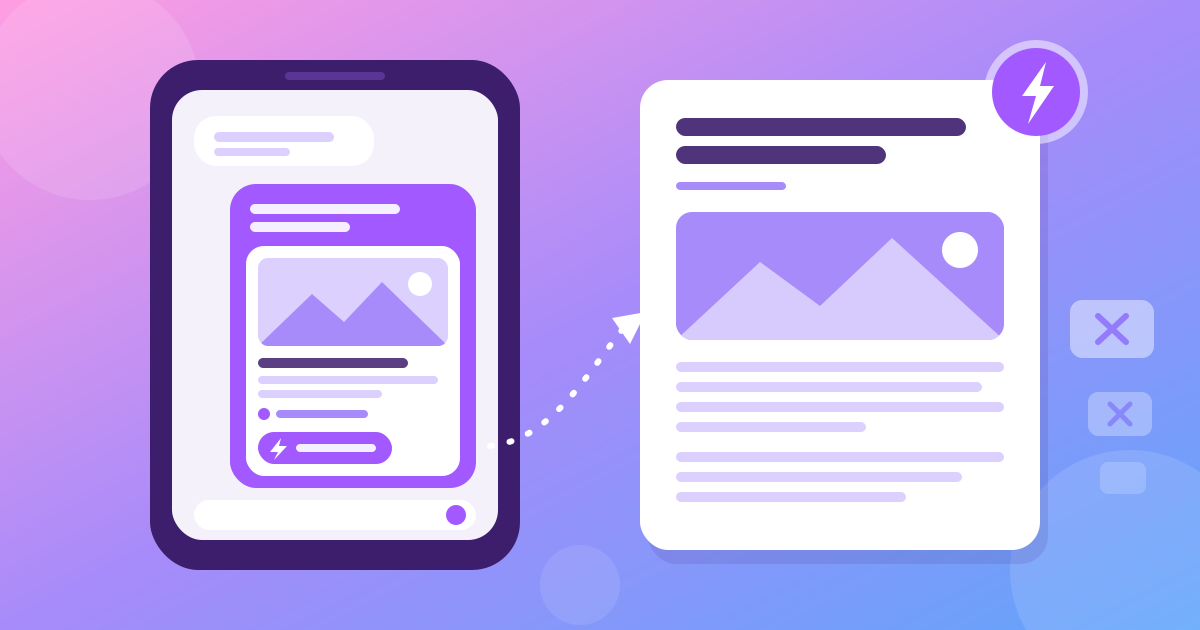
A link preview is the little card under a link in a chat: the site's name, a title, a short description and a picture, so you know what is behind the link before you tap it. Iron Messenger now draws these cards, and adds Instant View: one tap opens an article as clean text and pictures, with no ads and no pop-ups. Both are made on phones, not on our server, and the card always shows the real address the link goes to.
What is a link preview in a messenger?
Send a link without a preview and your friend gets a long blue line of letters. A news story, a recipe, or something not to open at work? Nobody knows until they tap. WhatsApp and Telegram have shown these cards for years, and a messenger without them looks unfinished.
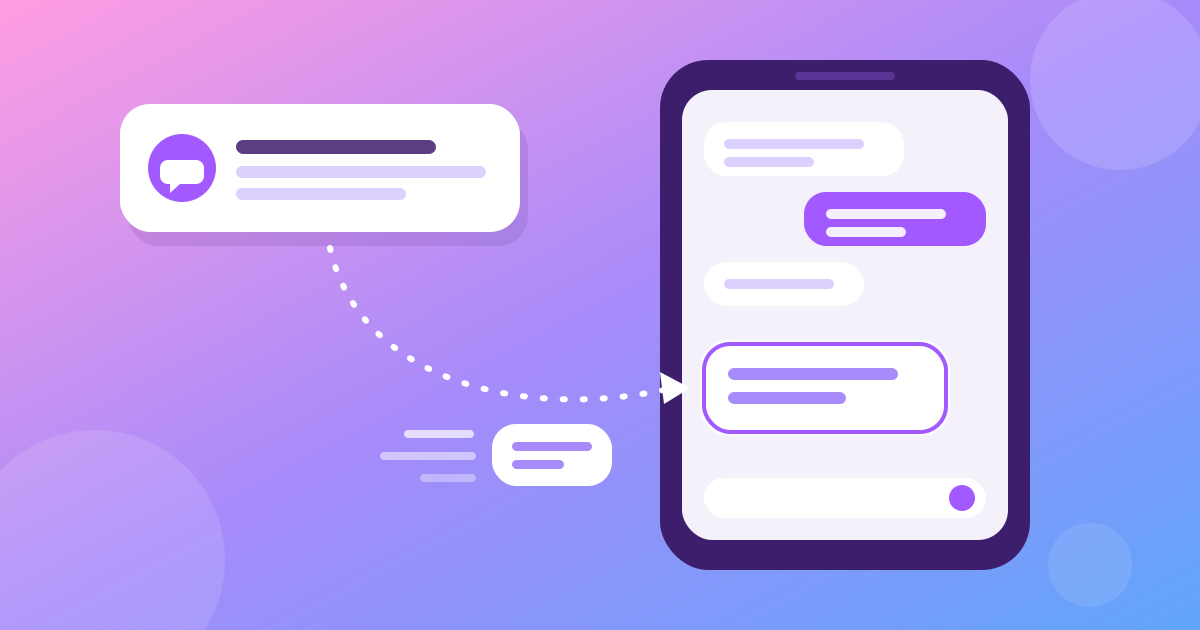
In Iron Messenger, a text message with a link now shows a card under the text: the site, so you know where the link goes; a title, usually the page's headline; a short description; and a picture, if the page has one.
The card appears in the composer while you type. If you do not want it (say, the picture spoils a film), tap the × on the card, and the message goes with a plain link.
The words come from the page itself. Most websites put a few hidden lines in every page for this purpose, called Open Graph tags: og:title, og:description, og:image and og:type.
Who makes the card, and who sees that you shared a link?
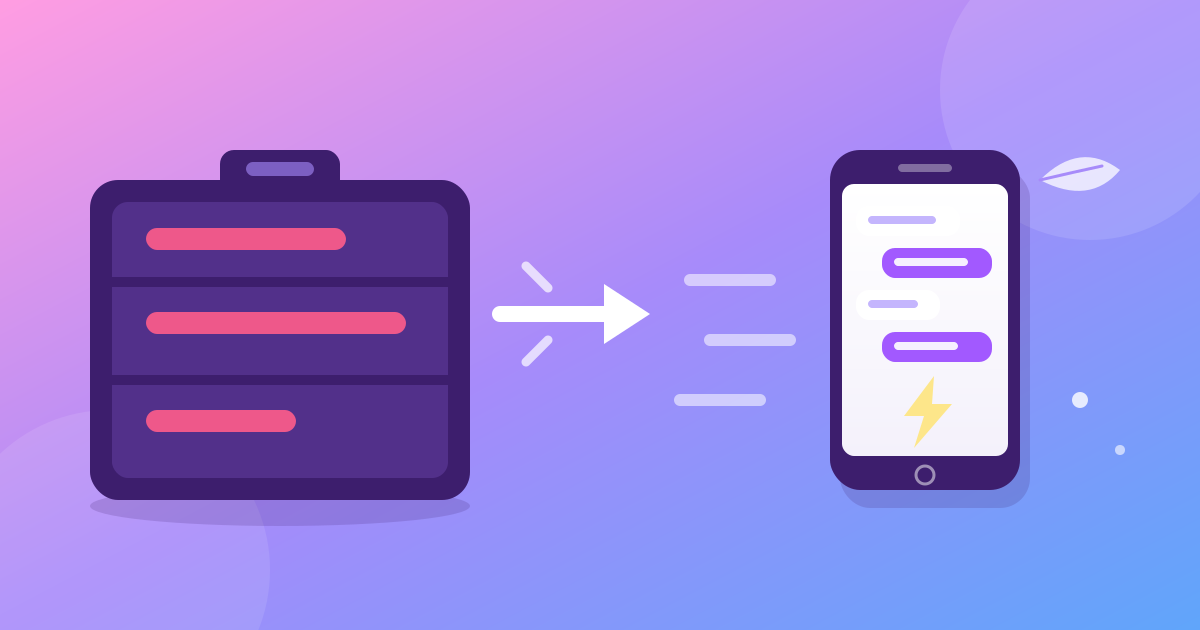
The sender's phone makes the card, not our server. When you type a link, your phone opens the page, reads its Open Graph tags, shrinks the picture to a thumbnail of at most 120 KB and uploads it like a photo. The message then goes out with the finished card.
- Our server never opens a link that somebody sent. It stores the card that the sender's phone made and passes it on.
- The recipient's phone does not contact the website until the recipient taps the card. The picture comes from our storage, like any photo in the chat. So the site cannot see who received your link, or when.
- The site sees one visit: from the sender's phone. That is the person who chose to share the link.
What else Iron Messenger keeps on its server, and what it does not, is in how privacy works in Iron Messenger.
Links that tell you what they are before you tap. Free, in every chat, with no phone number needed.
Can a link preview be fake?
Yes, and that is the honest price of cards made on phones: a sender who wants to trick you could change the words on the card. A card could say "Your bank: confirm your account" next to a familiar logo, while the link goes somewhere else.
So Iron Messenger never takes the address from the card. Every card shows the real address, the host, taken from the link in the message itself, and a tap opens exactly that link, whatever the card says. The title and the picture can lie. The address line cannot.
How to spot a fake card in ten seconds:
- Read the address line first. A "bank" card that says
mybank-secure-login.exampleis not your bank. - Look for small changes: an extra letter, a digit in place of a letter, a familiar name with a strange ending.
- When in doubt, do not tap. A logo costs nothing to copy. Ask the sender, or type the site's address yourself.
If a stranger keeps sending you such links, block them and report the message.
What is Instant View?
Instant View opens an article without the rest of the website. On a card for a page that says it is an article (its og:type tag is article), Iron Messenger shows a ⚡ Instant View button. Tap it, read "Squeezing the page down to just the words…" for a moment, and you get the text and pictures in the app's own theme and text size. No ads, no cookie banners, no pop-ups.
- It runs on your phone, over a copy of the page. Nobody in the middle squeezes it for you.
- The squeezing is done by Readability, Mozilla's open-source engine, the same one behind Reader View in Firefox, inside a WebView in the app.
- The page's scripts never run, so trackers, ads and pop-ups that need scripts never start.
Some pages cannot be squeezed, for example a page with almost no text. Then Iron Messenger says so and offers to open the page in your browser, so you are never left on an empty screen.
Instant View is in the Android app and in Iron Messenger Lite. More about weak phones and slow networks is in the messenger for old phones and slow internet.
How is this different from Telegram's Instant View?
Telegram had Instant View first, and it is good. At the time of writing (October 2026):
| Telegram | Iron Messenger | |
|---|---|---|
| Who makes the link preview | Telegram's servers | The sender's phone |
| Which pages get Instant View | Sites that have an Instant View template written for them | Any page that marks itself as an article |
| Where Instant View is made | On Telegram's side, from the template | On your phone, with Readability |
Where Telegram is better: a template written by hand for one site can lay out its pages more carefully than any automatic engine. Where Iron Messenger is better: there is no list of approved sites, so a small blog that nobody wrote a template for still gets Instant View. The full comparison, limits included, is in Iron Messenger vs Telegram and WhatsApp.
Read the article, not the ads. Instant View is free for everybody.
Why is there no link preview on my message?
- The app is not updated. Link cards and Instant View come with the app update that adds them. Update Iron Messenger from where you installed it: Google Play, AppGallery or our website. Older versions still see a plain link, so nothing breaks.
- The link was sent from the web version or the Windows app. The web version at m.ironmess.app and the Windows app show the cards they receive, but cannot make cards and have no Instant View. Browsers do not let one site read the pages of another (a rule called CORS).
- The sender tapped the ×, or the sender's phone could not get the page, for example because the connection dropped.
Cards are made by the Android app (from Google Play, AppGallery or the direct APK from our site) and by Iron Messenger Lite, the light Android app for old phones. Which app suits which device is in Iron Messenger on Android, Windows and the web.
Link previews are free for everybody, in every chat. The thumbnail on a card is a small photo, so the usual photo storage rules apply to it.
Questions people ask
What is a link preview in Iron Messenger?
A link preview in Iron Messenger is the card under a text message with a link: the site, a title, a short description and a picture. You see it while you type, and the × on the card sends the message without it.
Does Iron Messenger's server open the links I send?
No. In Iron Messenger the sender's phone opens the page and makes the card, and the server only stores and passes on the finished card. The recipient's phone does not contact the website until the recipient taps the card.
Can a link preview in Iron Messenger be fake?
The words and the picture on a card come from the sender's phone, so a sender can change them. That is why Iron Messenger always shows the real address taken from the link itself, and a tap opens exactly that link.
What is Instant View in Iron Messenger?
Instant View in Iron Messenger opens an article as clean text and pictures, in the app's theme and text size, with no ads, trackers or scripts. It runs on your phone with Mozilla's open-source Readability, on any page that marks itself as an article.
Why does a link preview not show in Iron Messenger?
Iron Messenger shows link cards from the app update that adds them, so update the app from where you installed it. The web version and the Windows app show cards they receive but cannot make them.